One login, one subdomain, every tool
Sign in at your organisation’s own address and move between HRMS, AMS, Filespace, Cadence, Vault, Grabr, Trackline, Notely and Ledgr without another password prompt.

Web app
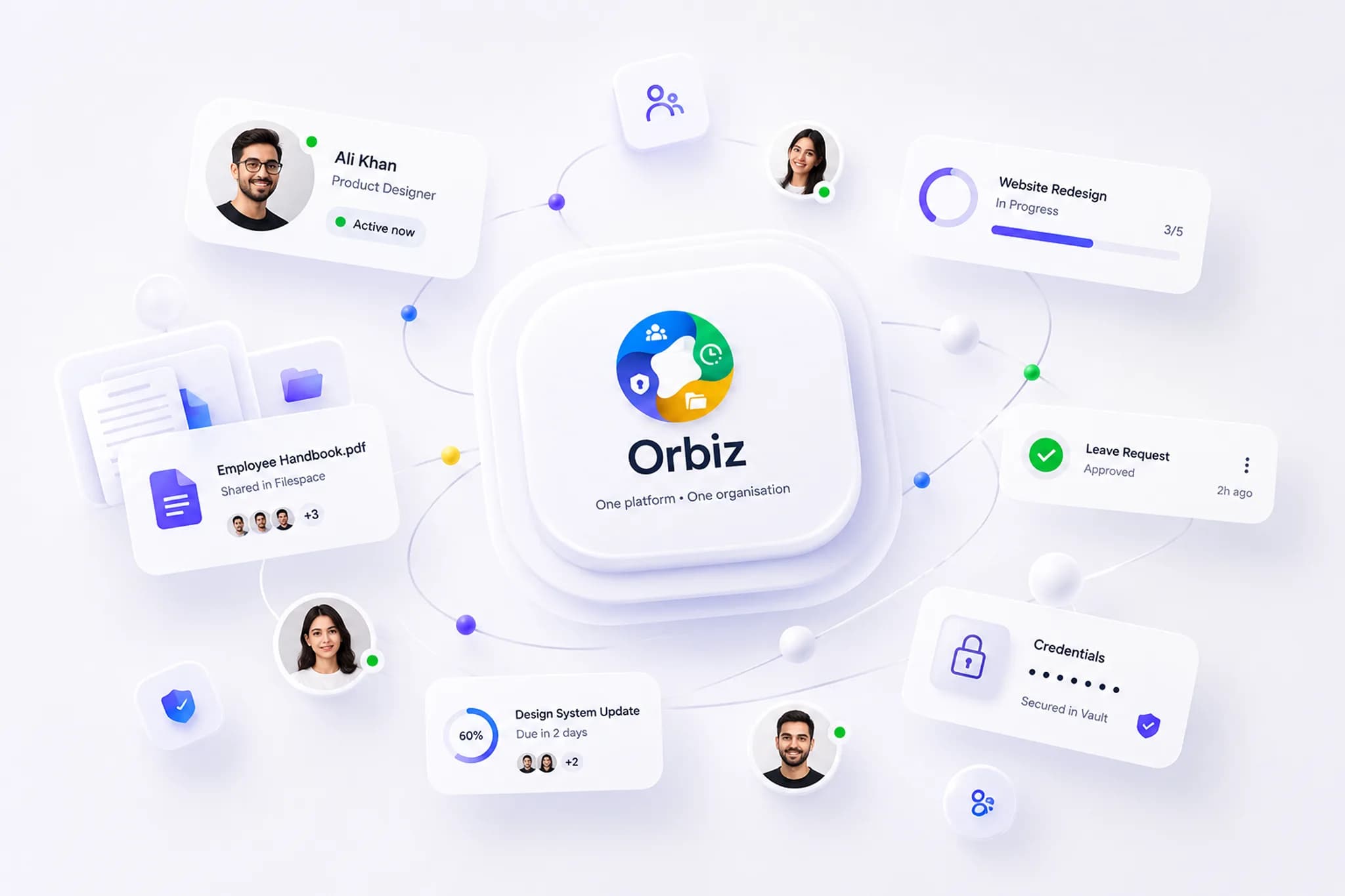
Orbiz is delivered as a web application. Your organisation gets its own address, every member signs in once, and each tool opens in the browser with nothing to install or update — on a laptop, a tablet or a phone.
Included in every plan. No per-seat charge, no per-tool upsell.
What you get
Every tool, in any modern browser, on your organisation’s own subdomain. Nothing to install.
Sign in at your organisation’s own address and move between HRMS, AMS, Filespace, Cadence, Vault, Grabr, Trackline, Notely and Ledgr without another password prompt.
A single design system across every tool, laid out for a desktop monitor and usable on a phone browser — clock in, approve leave or tick a checklist from wherever you are.
Shared notes and boards update live for every teammate who has them open, over a persistent connection to the gateway — no refresh.
Grabr records your screen, webcam and microphone directly in the browser and uploads as it goes. No desktop recorder to install.
Vault encrypts every credential on your device before it is sent. The server stores ciphertext only, and a forgotten passphrase is recoverable through escrow.
A real dark theme across every tool, keyboard navigation and visible focus states, with your theme preference shared between the tools.
The tools
All ten tools run in the same tab, on the same login, with nothing installed.
 HRMS — People & hiringCareers page, pipeline, assessments and employee records — plus the public careers page candidates see, also served from your subdomain.
 AMS — Time & attendanceClock in and out from the browser with inactivity detection; managers approve leave and review timesheets from the same tab.
 Filespace — Files & storageUpload, organise and share files from the browser, with per-member quotas and a recoverable trash.
 Cadence — Project trackingBoards, sprints and issues with live updates, so two people on the same board see each other’s moves.
 Vault — Secrets & credentialsCredentials are encrypted in the browser before they are stored; unlock your vault with a passphrase the server never sees.
 Grabr — Screen recording & screenshotsRecord screen, webcam and microphone in the browser, annotate screenshots, and share a link that expires.
 Trackline — Delivery portfolioPortfolio dashboard, milestones and time logs, with an employee-facing view of your own hours and projects.
 Notely — Notes & remindersNotes, checklists and reminders that update in real time for everyone a note is shared with.
 Ledgr — Payroll & accountsTimesheets, salary sheets, payslips, claims and loans in the browser, with xlsx exports for the bank and the auditors.
 Huddl — Team chatChannels, direct messages and threads in a browser tab, with browser notifications for mentions and direct messages, and guests who sign in to the same web app and see only their channels.
One platform
Because the web app is the platform, every capability — one login, a database per organisation, custom roles, your own subdomain — is available to every member the moment their organisation exists. There is no client to roll out and no version to keep in step.
Web app FAQ
From the blog
Paste meeting notes to Claude or ChatGPT, review the action items it drafts, and let it file them as issues on your Cadence board as you, with your permissions.
How to connect Claude, ChatGPT or Claude Code to your HR, payroll, attendance and project data with MCP, safely, and what the assistant can then do for you.
Per-seat pricing is the visible cost of tool sprawl. The invisible costs are onboarding, offboarding, permissions drift and data that never lines up.
Every tool is included in every plan. Tell us your team size and we set up a working organisation for you to try — no installs, nothing to roll out.